

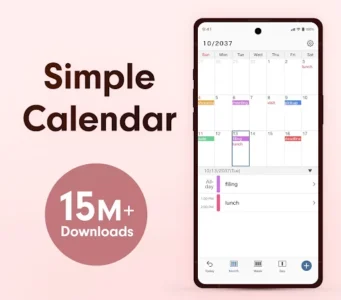
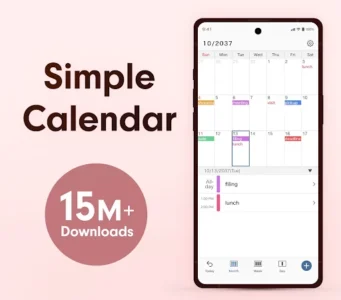
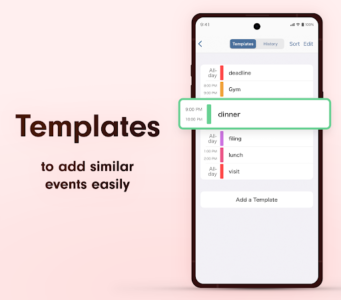
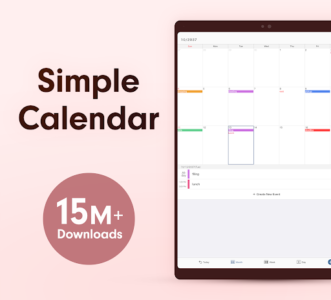
Simple Calendar – easy planner is a free app designed to help users organize their daily schedule, manage tasks, and set reminders. It functions as a comprehensive planner for various aspects of life, including work, family, and personal commitments. Users can plan their day, week, or months ahead, setting specific events or tasks with notes and reminders to ensure nothing is overlooked. A distinctive feature is its ability to operate independently, without requiring a Google account, while also offering seamless synchronization for those who prefer it.
Flexible Scheduling and Reminders
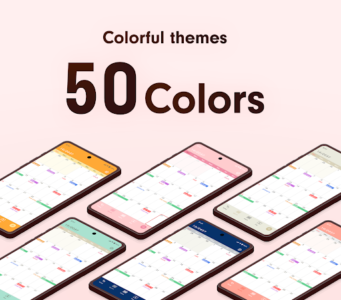
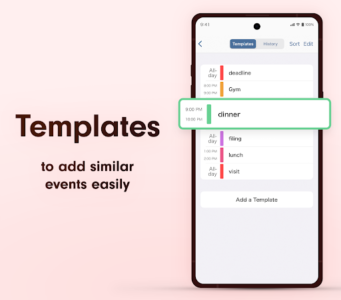
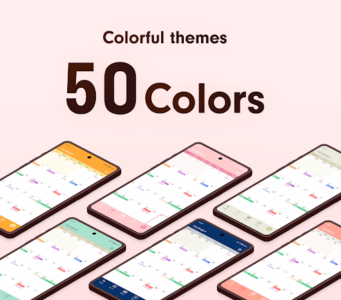
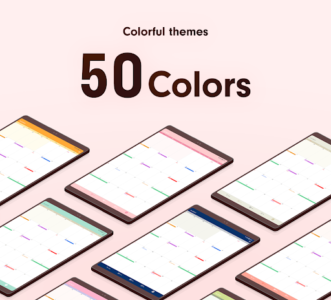
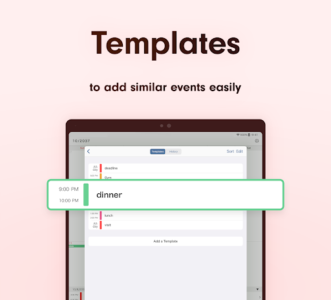
The app streamlines the scheduling process, allowing users to quickly add events or tasks by selecting a time, writing a note, and setting a reminder. To enhance visual organization, time blocks can be color-coded, providing an immediate overview of different activities such as work, study, or personal time. This visual aid helps users quickly distinguish between various commitments throughout their day.
Multiple Calendar Views
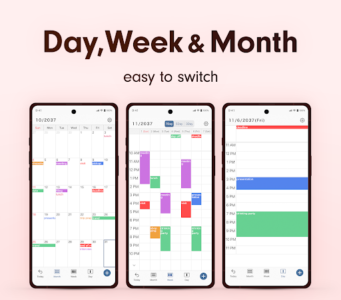
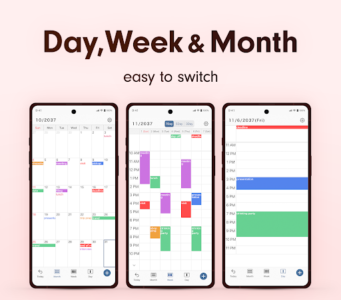
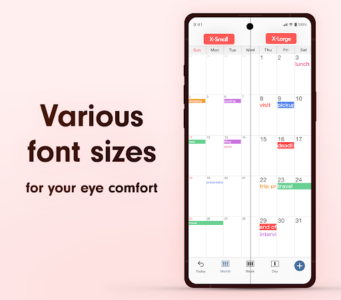
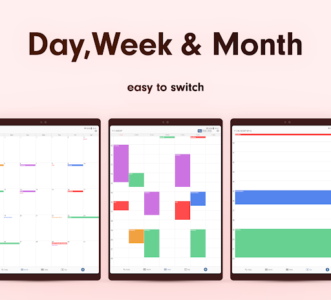
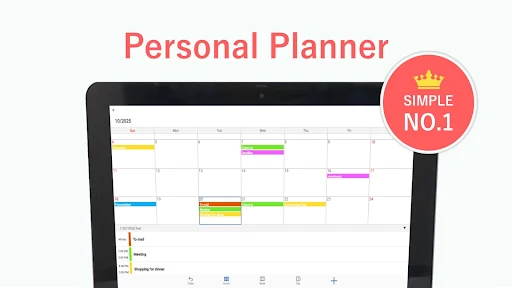
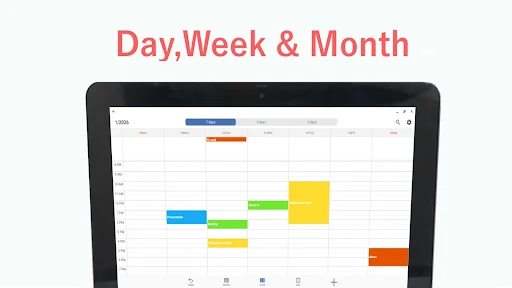
Simple Calendar supports multiple perspectives for planning. Users can choose a monthly calendar view to get a broad overview of their upcoming schedule, or switch to a weekly planner that offers 7-day, 5-day, or 3-day layouts. For detailed time management, a daily agenda view is available, allowing for hour-by-hour planning. This flexibility enables users to plan across different time horizons, from long-term to immediate.
Synchronization and Backup Options
The app offers robust synchronization capabilities. It can be used as a standalone calendar without any account, or it can sync with Google Calendar to keep schedules updated across multiple devices. Beyond Google, the app also supports connections with calendars from Outlook, iCloud, Exchange, and Office365, consolidating various schedules into one interface. For data security, events synced with Google Calendar automatically appear on new devices upon sign-in. For calendars stored exclusively within the app, a built-in backup feature allows users to save and restore their data when switching devices.
Shared Calendar Functionality
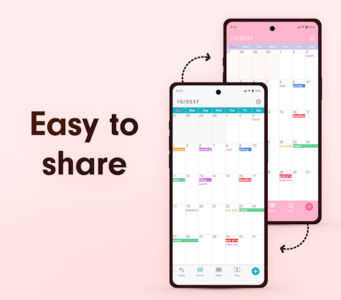
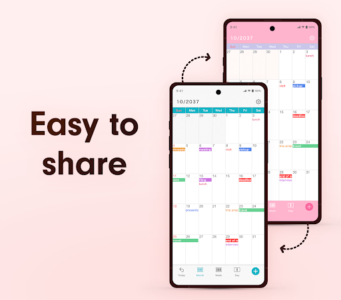
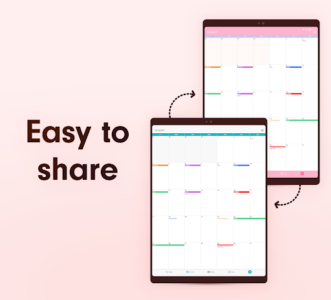
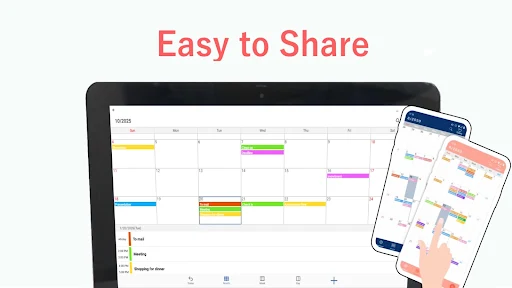
Simple Calendar facilitates collaborative planning through its shared calendar feature. Users can share their schedules with colleagues to coordinate tasks, with family members to keep them informed of busy periods, or with partners to plan joint activities like dinners or workouts. This ensures everyone involved stays on the same page, helping to manage shared responsibilities and appointments, such as school pickups.
Home Screen Widget and Notes
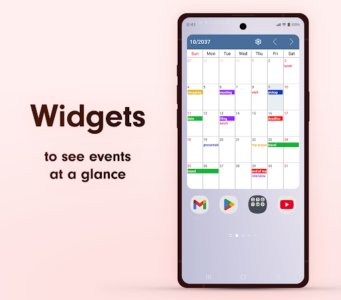
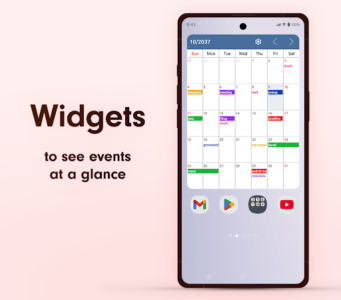
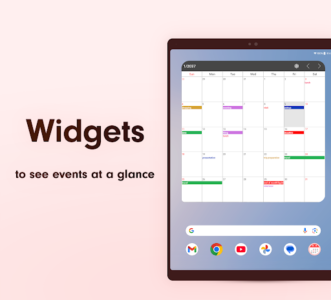
To provide quick access to upcoming events, the app includes a resizable calendar widget that displays the day’s agenda directly on the home screen. For each event or task, users can attach notes, URLs, and even map locations, centralizing all relevant information within the schedule entry.







Write a review